Stop Collecting LUTs. Start Creating Looks.
Stack up to eight LUTs, give every layer its own strength, and watch them combine live on your image. Refine the result, save it as a preset, or export the color blend as a standard .cube for the other apps in your workflow.
$19 $39 Launch price — first 100 customers
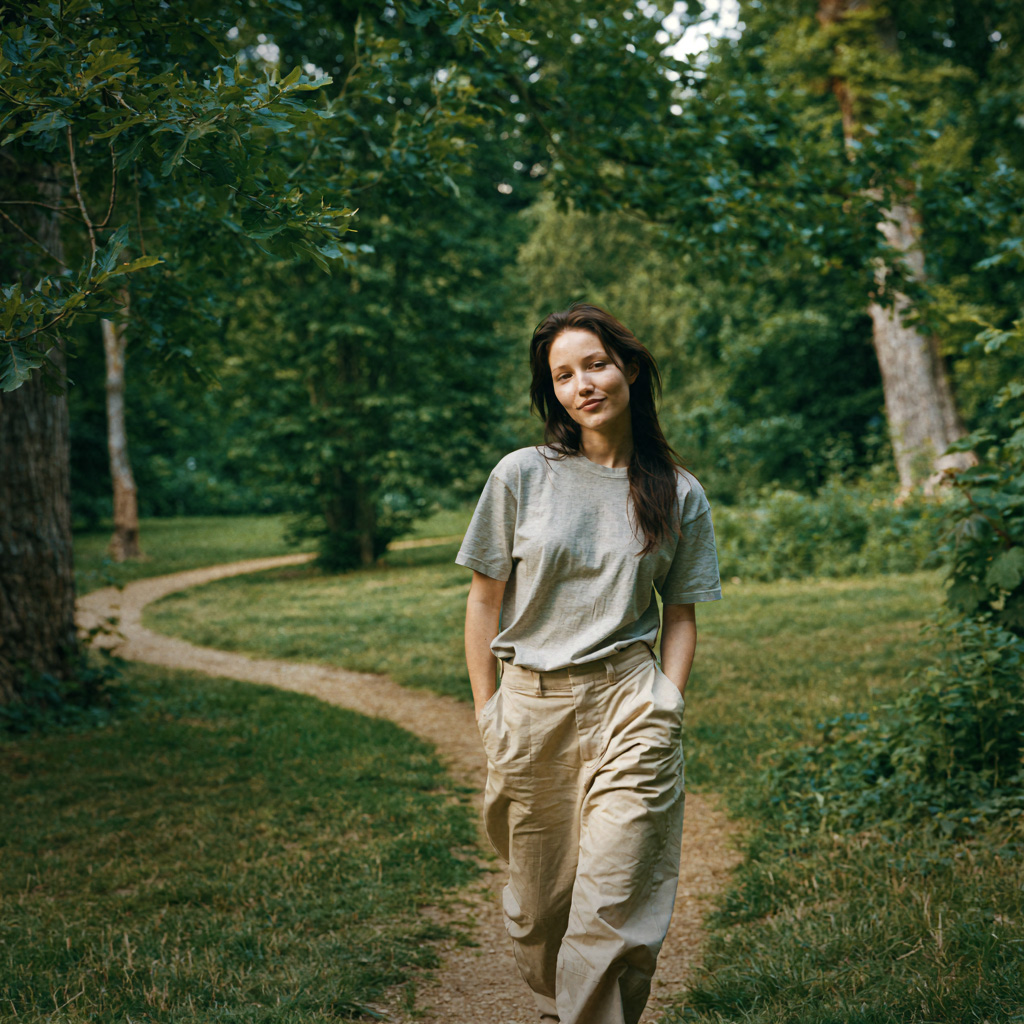
with LUTweave bloom and vignette
Most LUT collections become folders of good ideas you rarely use.
Previewing LUTs one at a time makes a large library feel slow and repetitive. You try the familiar few, ignore the rest, and stop before discovering what those looks could become together.


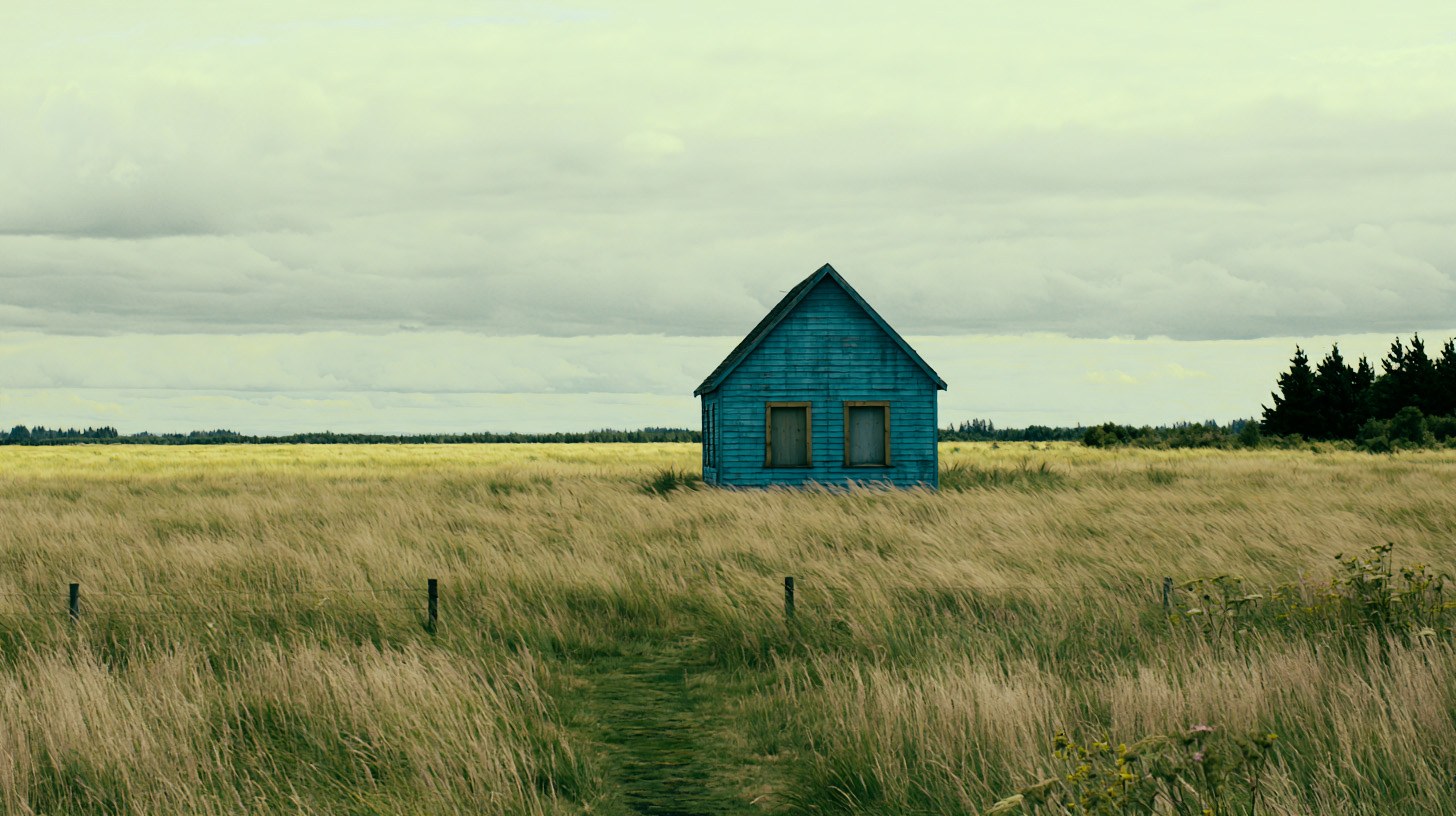
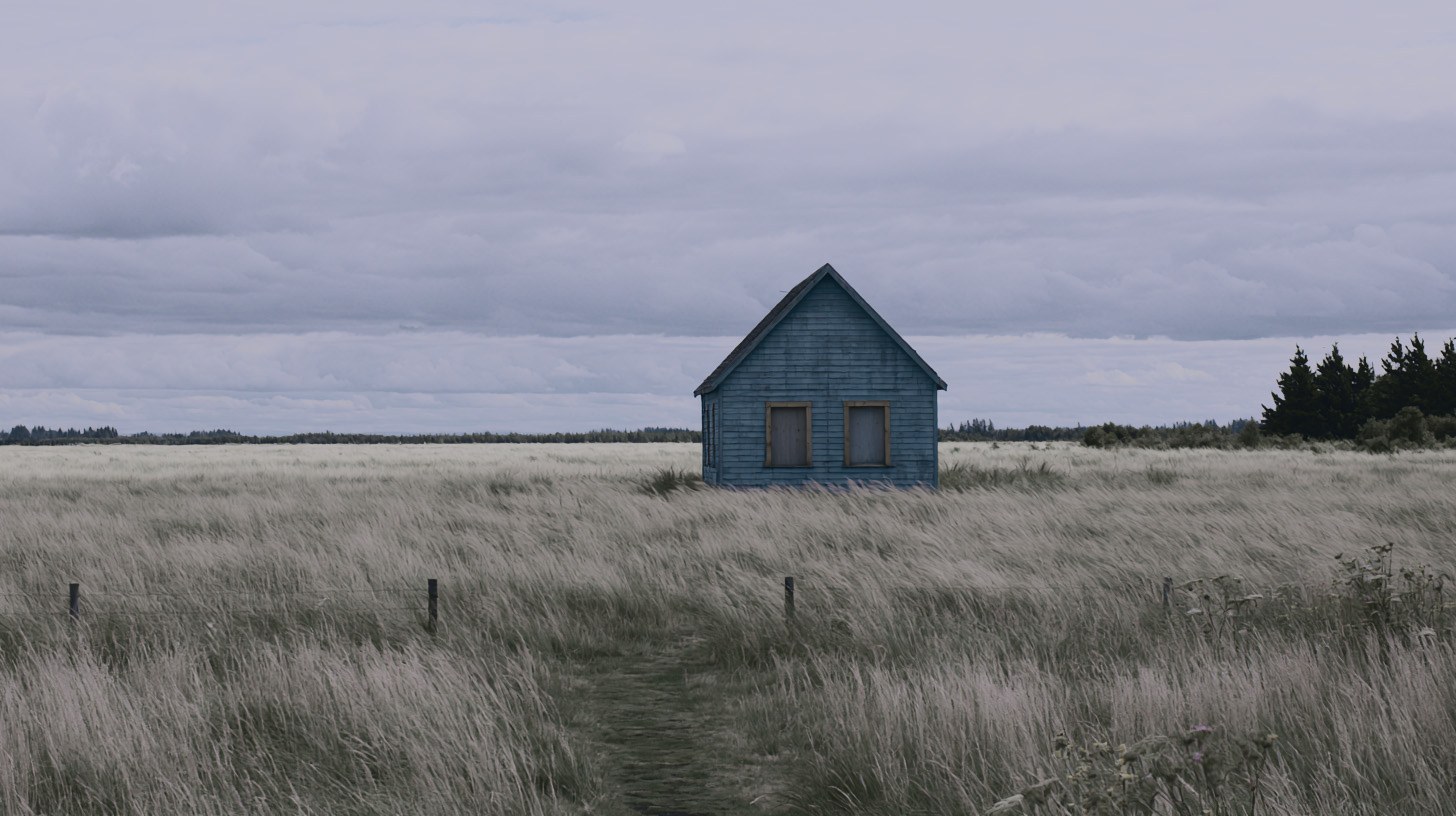

Bring the LUTs you already own back into use—together.
LUTweave turns every LUT into a creative ingredient. Browse with live previews, combine up to eight unexpected looks at once, and make something more personal than any single preset could give you—all in an interface that stays visual, immediate, and fun to explore.

The same photograph, graded once.
This is the field photo from the panel above—but instead of previewing one LUT at a time, all five are layered together into a single result. In LUTweave, every layer like this keeps its own live, adjustable strength.
Set the mood without leaving the panel.
 BloomVignetteFilm Grain
Once the color feels right, shape the atmosphere with Bloom, Vignette, and Film Grain.
The controls stay direct and easy to understand, so finishing the look remains creative instead of technical.
- Bloom for a softer highlight response
- Vignette to guide the frame
- Film Grain for texture and character
Turn your stack into something you can take anywhere.
 Export .cube
Combine up to eight LUTs into one completely original .cube file.
Export the blend as a standard .cube, ready to use in other creative apps outside LUTweave.
- Combine up to eight LUTs into one blend
- Export as a standard, portable .cube file
- Build once, reuse across your workflow
Free vs Pro
| Capability | Free | Pro |
|---|---|---|
| LUT slots | 2 | 8 |
| Library browsing, search & favorites | ✓ | ✓ |
| Live previews & core Apply | ✓ | ✓ |
| Bloom, Vignette & Film Grain | — | ✓ |
| Preset save / load / import / export | — | ✓ |
| .cube export | — | ✓ |
| Updates within version 1.x | — | ✓ |
Pricing
Pro is a one-time purchase—not a subscription. The license is perpetual for the purchased major version, and updates within version 1.x are included.
Functional with no time limit.
- Two LUT slots
- Library browsing
- Search and favorites
- Live previews
- Core Apply workflow
Perpetual for version 1.x. Not a subscription.
- Everything in Free, plus:
- Eight LUT slots
- Bloom, Vignette, and Film Grain
- Preset save / load / import / export
- .cube export
- Updates within version 1.x
- Personal license
Personal license · install on up to three of your own machines · future major versions may require a paid upgrade.
Compatibility
Windows only at launch. A Mac version may come later—no date is promised.
Requires a recent Photoshop version that supports UXP plugins.
None required. LUTweave runs fully offline, with no account and no telemetry.
Windows shows “Windows protected your PC” for new apps from independent developers. Select More info, then Run anyway.
FAQ
Still unsure? Visit support.
No. Pro is a one-time purchase, currently $19 USD at launch pricing instead of the regular $39. The license is perpetual for the purchased major version, and updates within version 1.x are included. The Free version stays functional with no time limit.
Launch pricing is limited to the first 100 customers. There is no countdown — once 100 licenses have been sold, LUTweave Pro returns to $39 USD. Anyone who buys at $19 keeps their license permanently.
Free gives you two LUT slots plus library browsing, search, favorites, live previews, and the core Apply workflow. Pro unlocks all eight slots, effects, preset tools, and .cube export.
Yes. LUTweave works completely offline. There is no account, no telemetry, and no customer data is collected by the plugin.
A Windows machine and a recent version of Photoshop that supports UXP plugins. LUTweave is Windows-only at launch.
No, and you can continue. Windows shows that message for any new app from an independent developer that it has not seen many times before. Select More info, then Run anyway. LUTweave runs fully offline, makes no network requests, and collects no data.
A Mac version may come later, but no date is promised.
Yes. Your LUTweave recipes can be saved, loaded, imported, and exported as presets. Compatible color blends can also be exported as standard .cube files for use in other creative apps.
Pro is a personal license for one named person and may be installed on up to three machines you personally use. It cannot be shared, transferred, or resold.
There is a 14-day refund policy. See the Refund Policy page for details.
Guides
How LUTs actually work in Photoshop—the native method first, including where it stops being practical.
How to combine multiple LUTs in Photoshop
Stack several LUTs in Photoshop with Color Lookup adjustment layers, set each one’s strength with layer opacity, and keep the whole result editable.
Read the guideHow to preview a large LUT library in Photoshop
Photoshop lists LUTs by filename with no thumbnails. Here is a repeatable way to review a large collection and build a shortlist you will actually use.
Read the guideHow to export a .cube LUT from Photoshop
Export your Photoshop colour adjustments as a reusable .cube file — and understand exactly which parts of a grade a LUT can and cannot carry.
Read the guideHow to organise a large LUT library
Sort LUTs by what they do rather than who sold them: split conversions from creative looks, standardise names, remove duplicates, and keep one canonical folder.
Read the guideWhat is a .cube LUT?
A plain-English explanation of the .cube format: what is inside the file, what grid size means, and what a lookup table fundamentally cannot do.
Read the guideYour LUT collection has more in it.
Start free and bring familiar looks back into play. Unlock all eight layers, finishing controls, presets, and .cube export when you are ready to make the result entirely your own.